← All features
Your brand
It should look like your place
Staff should open miaHQ and see somewhere familiar — not another vendor’s logo.

Your sign-in page
Their first screen, in your name
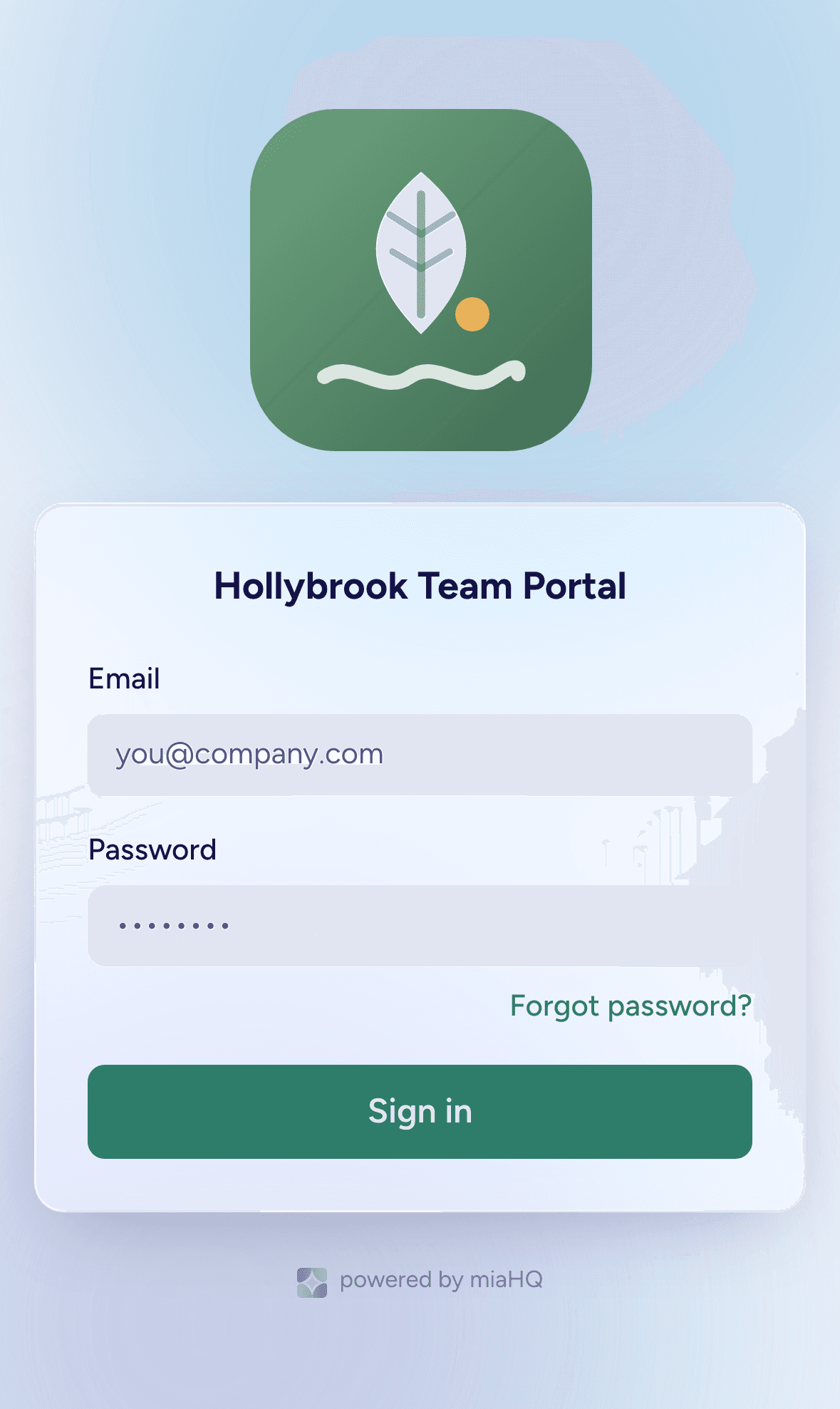
- Your team gets their own login page with your logo, your colour and your wording.
- Set the heading and the welcome line yourself — it should sound like you, not like software.
- Size the logo to suit it, and set the browser tab title while you are there.
Through the whole app
Not just the front door
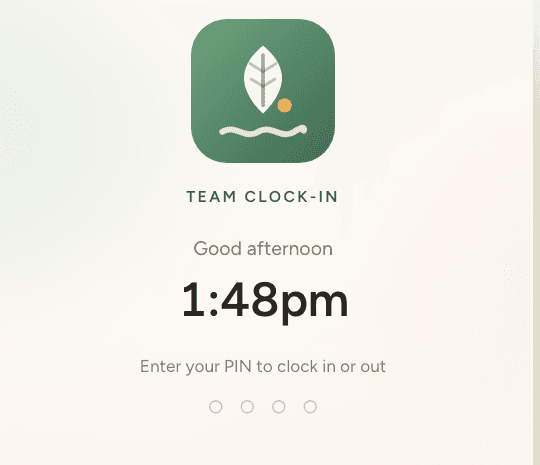
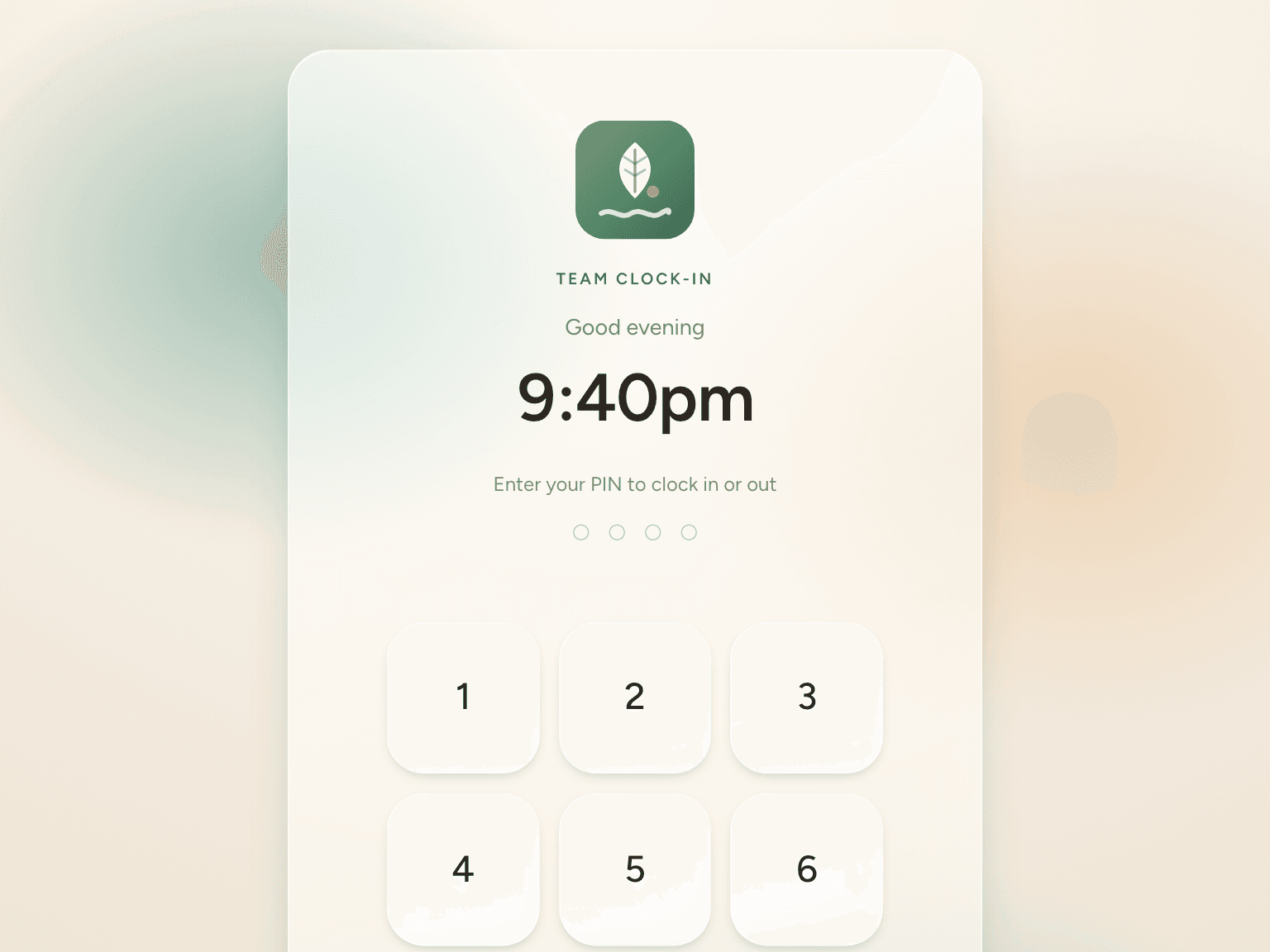
- Your logo and colour carry into the app itself, onto the clock-in kiosk by the door, and onto the timesheets you export for payroll.
- The kiosk takes your colour right through — the warm wash behind the glass, the keypad and the confirm button, not just the logo on top.
- It is the one surface your customers might glance at, so it stays calm and looks like your place.
- Staff open it and see somewhere familiar, which is most of why they actually use it.
Kept safe
Walled off, by default
- Every business’s data is isolated at the database level — no one ever sees another business’s people.
- Role-based access means staff see their own hours and time off, and nothing else.
- Give a supervisor one area and the rest of the business stays out of view.
Ready for a calmer way to run your team?
miaHQ is in early access with a small group of shift-based businesses. Leave your details and we'll be in touch.
No growth tax. No charge for your staff. Every feature in every plan.