← All features
People & training
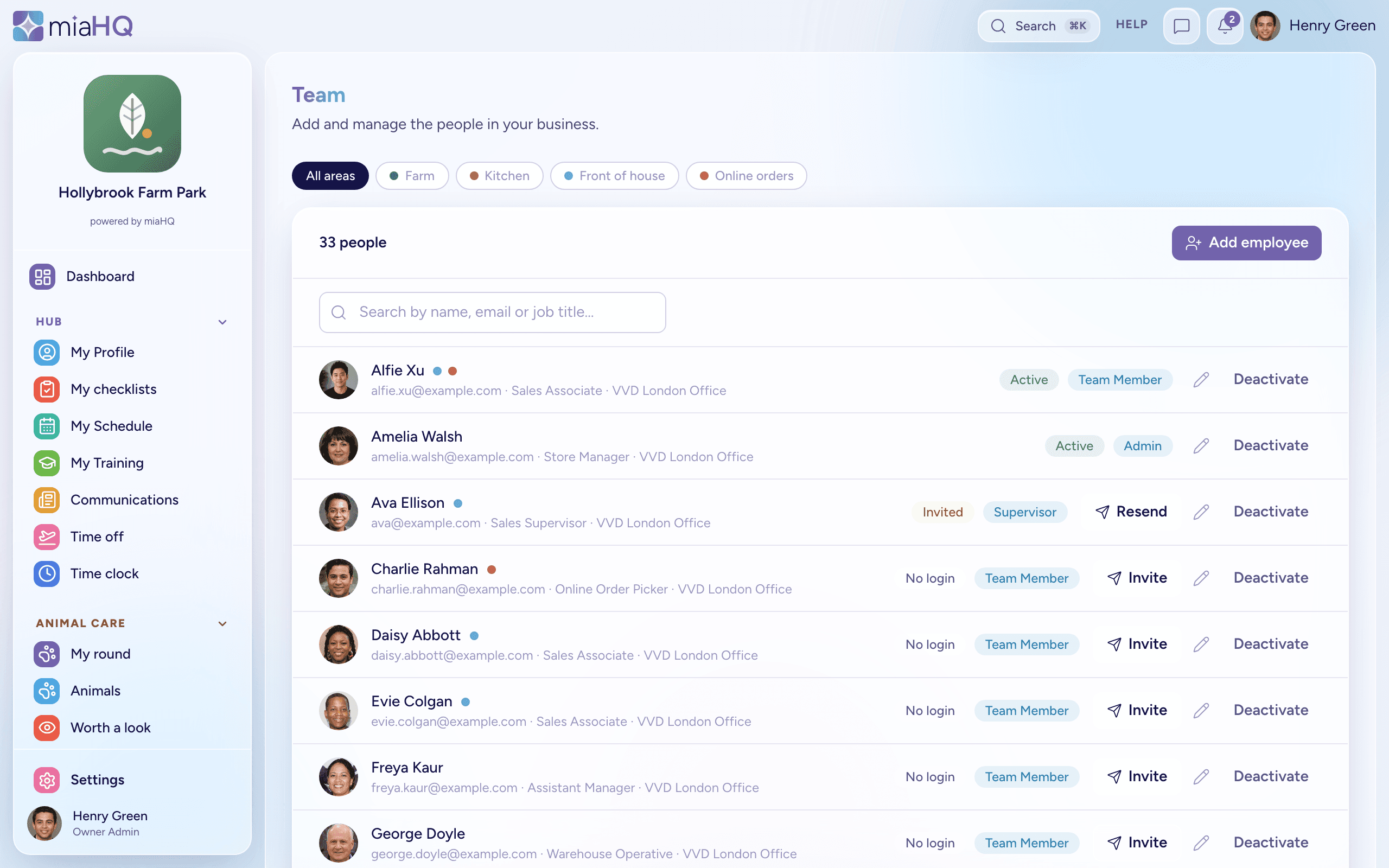
A place for every person
Their details, their hours, their time off and what they are qualified to do — kept together, and kept current.

Training
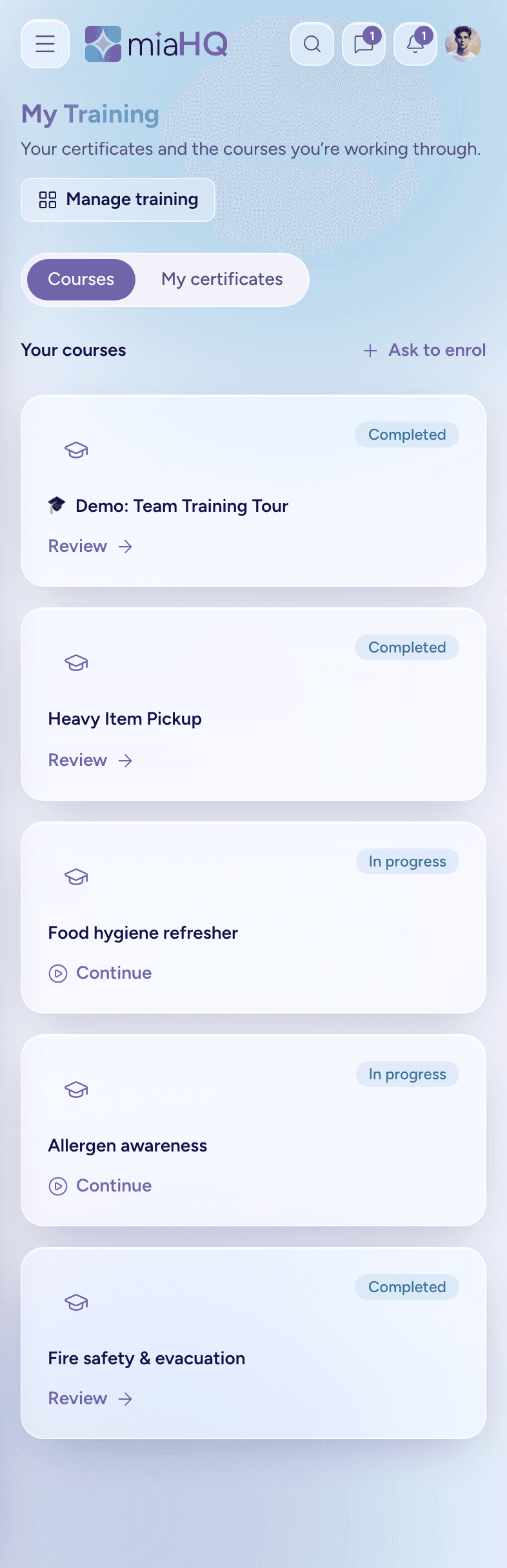
Everyone knows where they are up to
- Build slide-based courses once — text, images and video — or record an in-person session that happened on the floor.
- Staff work through them on their phone between covers, and pick up exactly where they left off.
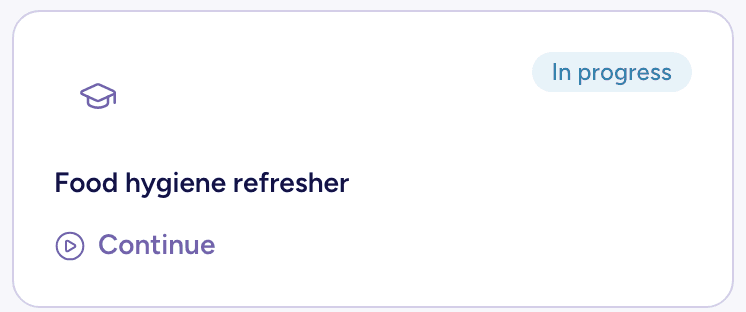
- Every course shows its state plainly: not started, in progress, or completed.
- Optional assessments at the end, with a pass mark you set.
Certificates & credentials
Proof that does not live in a drawer
- Passing a course issues a certificate automatically — the learner is notified in the app and by email.
- Held credentials like First Aid sit alongside course certificates, with renewal dates in view before they lapse.
- Turn a certificate on after someone has already finished and it back-fills next time they complete.
Compliance
The screen you want before an inspection
- Record right-to-work, DBS, food-hygiene and first-aid checks against each person, with expiry dates and the evidence file attached.
- One overview puts every person against every check you require — valid, expiring, expired or missing — so a gap is obvious at a glance.
- Renewals surface quietly in the HR area as they fall due, never as a red alarm on anyone’s dashboard.
- Set what your venue requires once, and “missing” becomes something miaHQ can actually tell you — not a gap you find out about too late.
- Each person gets a secure document store too, sorted by category — and they can upload their own right-to-work or certificate for you to check, so the chasing goes both ways.
Time off
Leave that counts itself
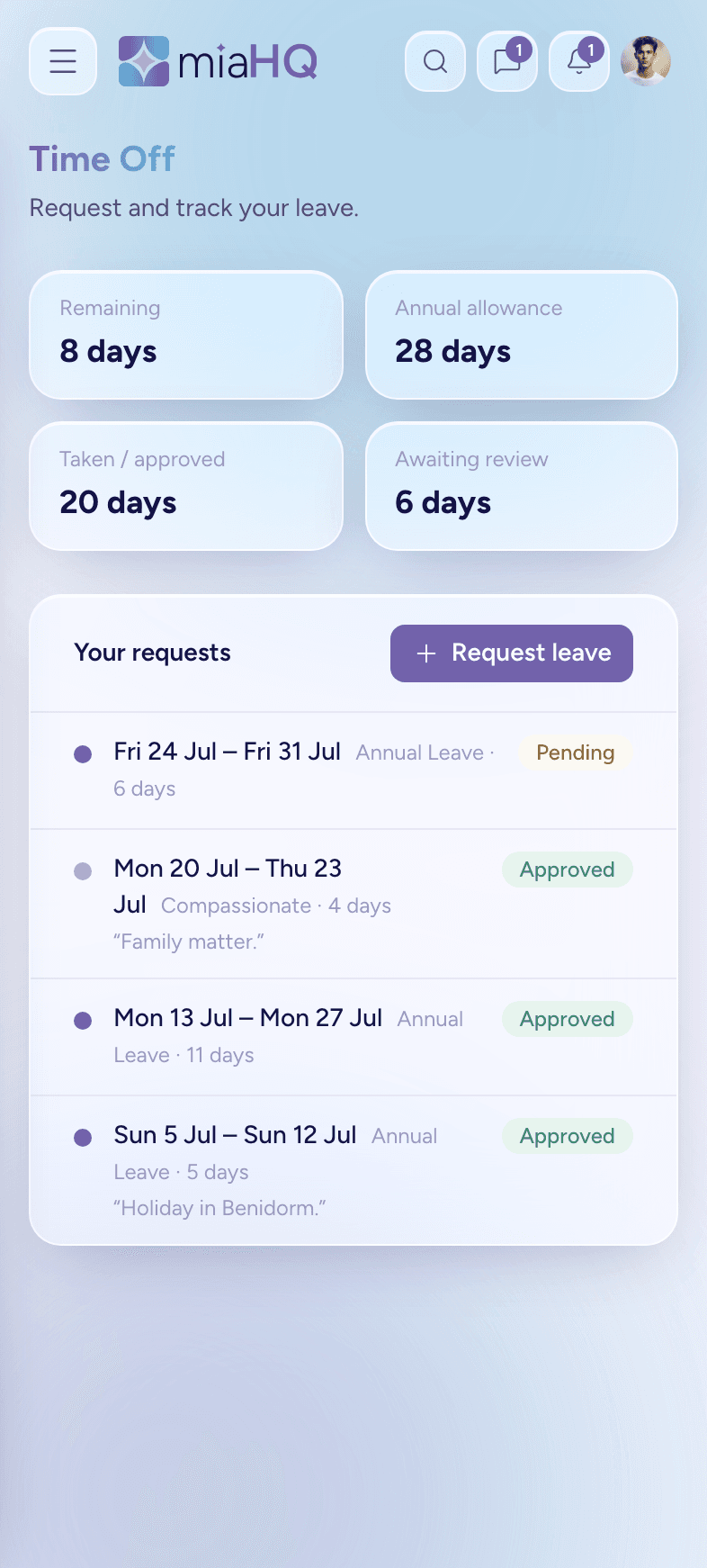
- Set each person’s annual allowance in days, and staff see what they have taken, booked and have left — worked out from a real ledger, not a spreadsheet.
- Requests can be half-days, morning or afternoon, so a dentist’s appointment does not cost a whole day.
- Set your working week and your public holidays once, and neither a weekend nor a bank holiday quietly eats into anyone’s allowance.
- Unused days can roll into the next leave year up to a cap you choose — or not at all, if you would rather they did not.
- Every request is checked against the rota for clashes before it is even sent.
Team files
One place per person
- Their details, their areas, the jobs they do and the hours they have worked — together, not spread across four systems.
- Invite by email and they get their own secure login in a couple of clicks.
- Roles decide what each person sees, so staff get their own hours and nothing else.
Ready for a calmer way to run your team?
miaHQ is in early access with a small group of shift-based businesses. Leave your details and we'll be in touch.
No growth tax. No charge for your staff. Every feature in every plan.